Skype for Business Online User unable to make calls
User unable to make calls Skype for Business
Login to portal.office.com
-Check if user is not blocked by admin.
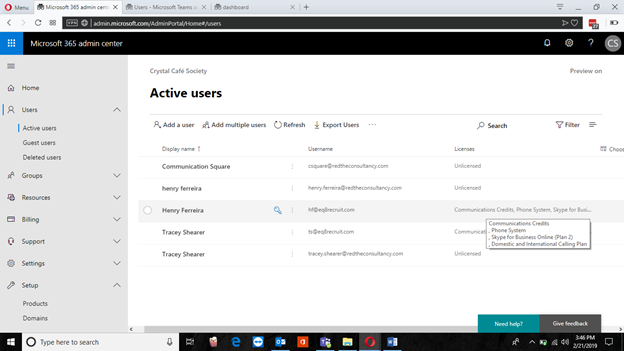
-Check if specific user has assigned licenses.
-Check DNS is working correctly.
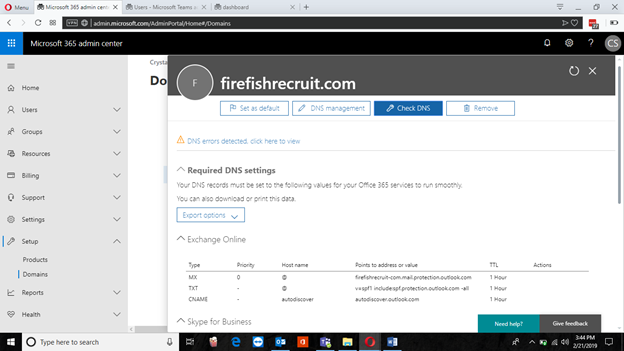
-If you will see this screen, DNS is not working correctly.
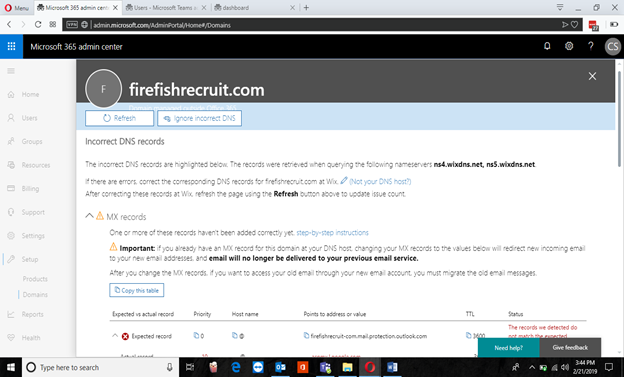
Then Update the DNS
-Change user domains
-Change SIP address
-Check if user has not used all his resources
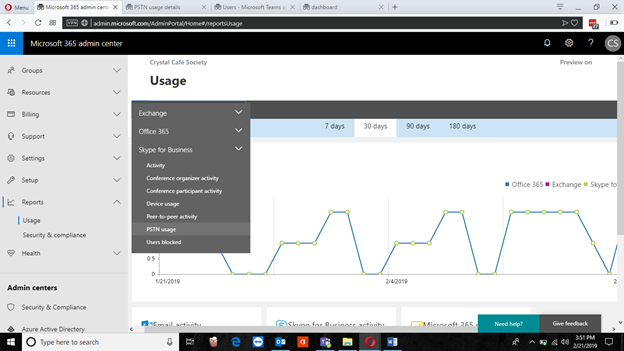
-New window will pop-up. Check PSTN Usage
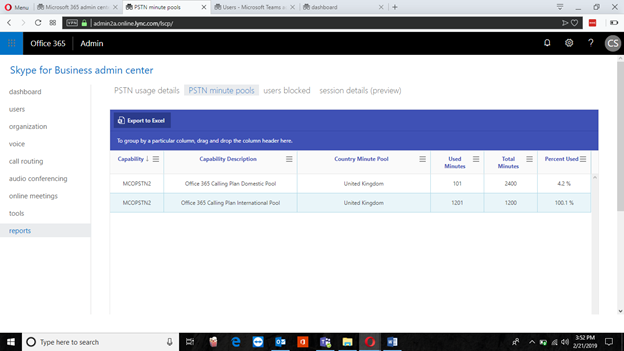
-If minute pool is exceeding either International Pool or Domestic Pool, Then the service will be SUSPENDED
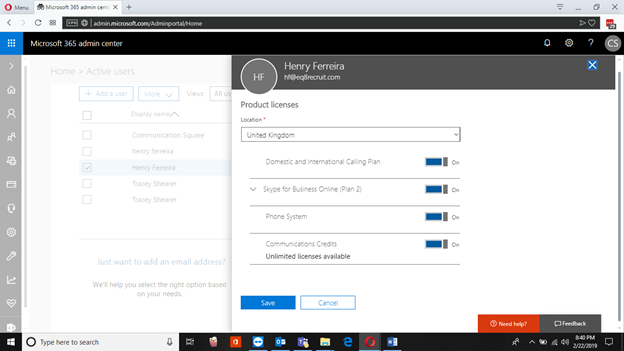
-Select user and Edit product licenses.
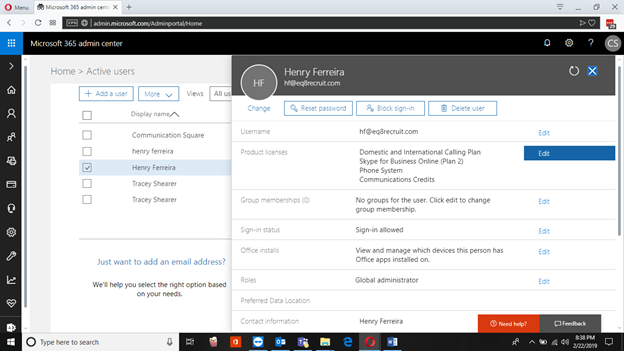
-Turn communication credit on and save.
-Go to Subscriptions
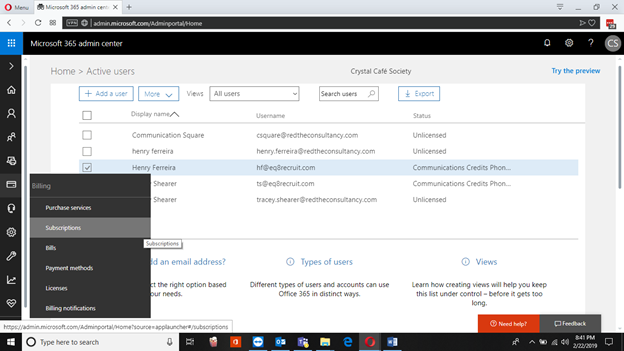
-Click on Communication Credit
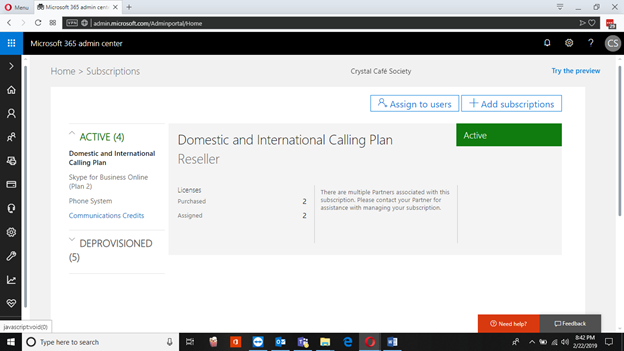
-Add funds
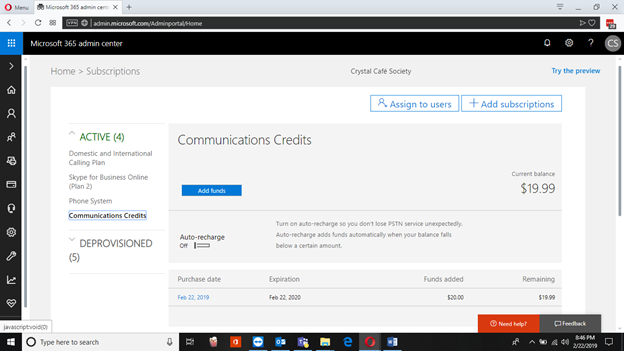
-To resume the PSTN calling functionality in case of exceeding either International Pool or Domestic Pool, Communications credits needs to be enabled and recharged.
Last updated on