How to troubleshoot Email Delivery Failure Outbound
Time to Execute: 30m
Let take an example here of the id user@contoso.com sends an email to user2@contoso.com
But the sender is unable to send the mail.
The following will be the troubleshooting steps.
- Check the recipient address to which the mail is supposed to be sent is correct.
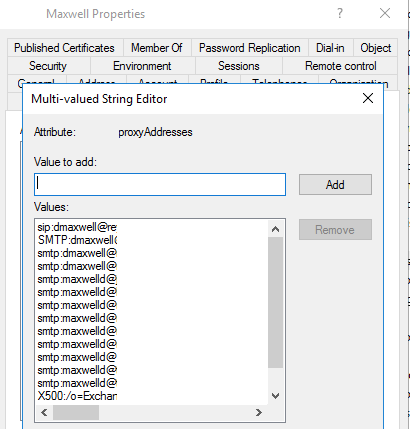
- Check the sender has properly setup the proxy addresses for email alias.
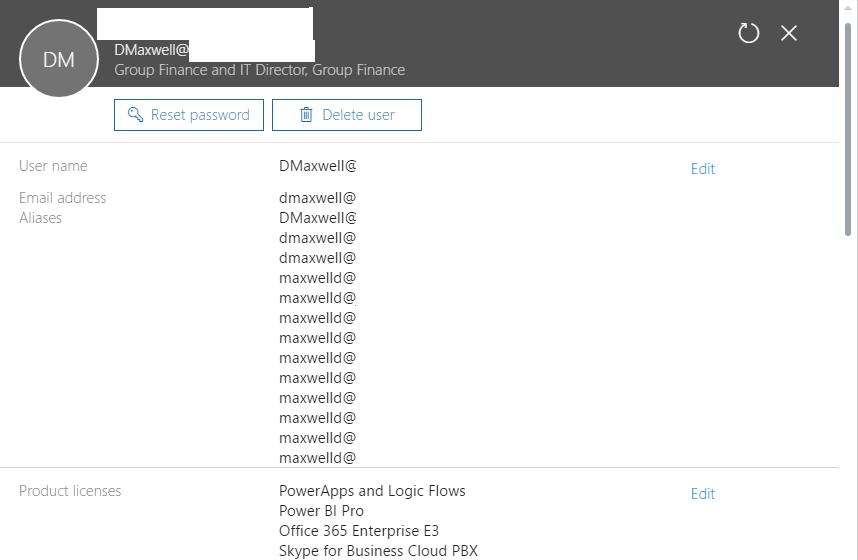
- Check the sender has a user properly setup for the Exchange and is given the required product licenses.
- Check the senders outlook profile has configured accurately.
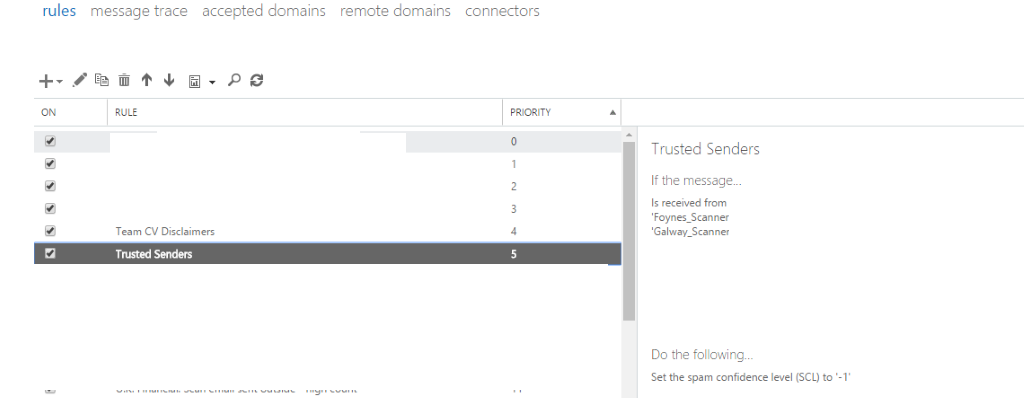
- Check the Exchange mail flow rules
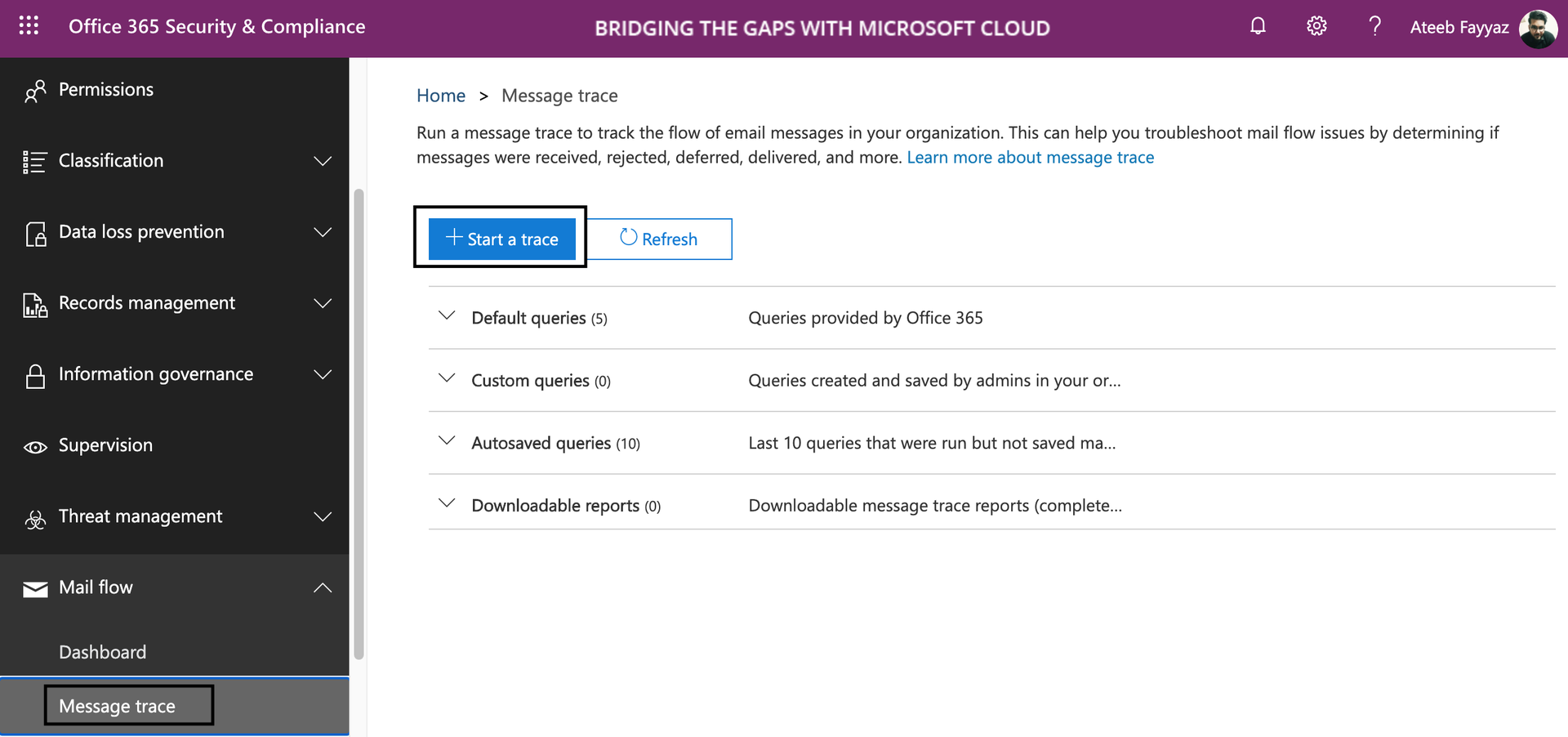
- To have a clear look what's exactly happening with the mail, you may use the Message Traces in Office 365 Security and Compliance Center.
Last updated on