How to Azure AD Register a Laptop with Intune?
- Go to Start.
- Open the Windows Settings app by searching for "settings" in the search bar.
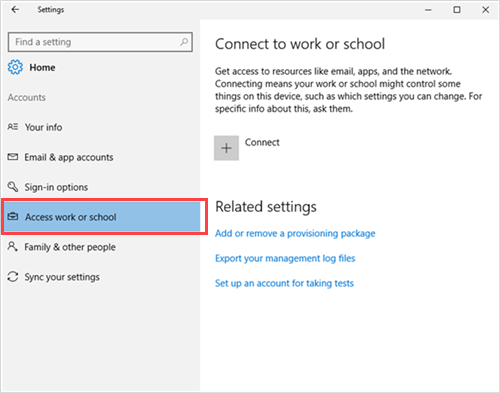
- Select Accounts > Access work or school > Connect.
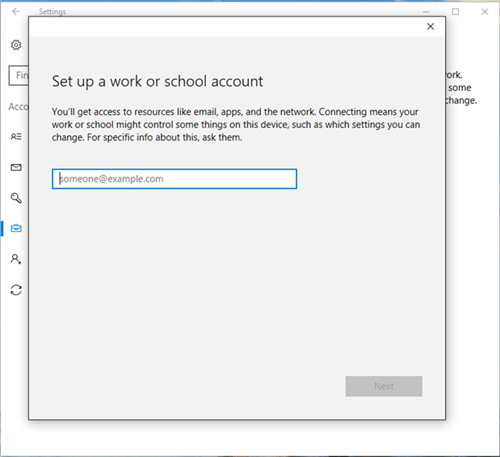
- Enter your work or school email address, and then select Next.
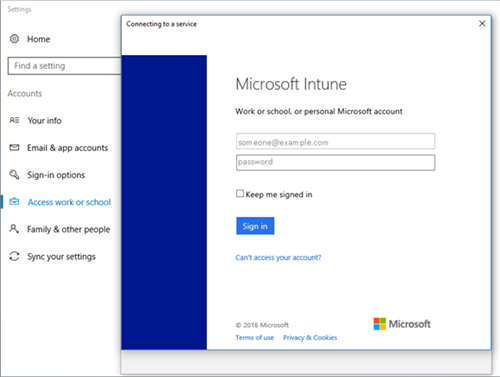
- Sign in to Intune with your work or school account.
You’ll see a message indicating that your company or school is registering your device.
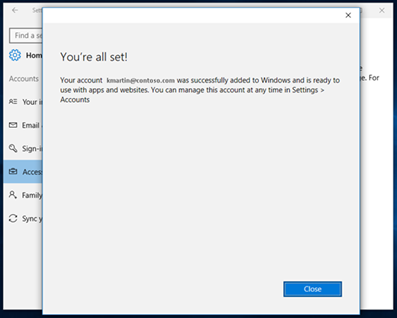
- When you see the You’re all set! screen, select Close. You’re done.
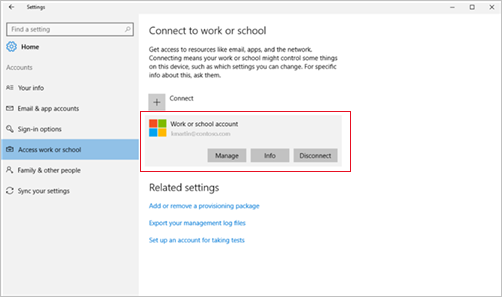
- If you want to double-check that your connection looks right, go back to Settings, where you should now see your work or school account listed.
Last updated on