How to Renew Lync Mediation Certificate
Retired product. Microsoft retired Skype for Business Online on July 31, 2021, and support for Skype for Business Server 2015 and 2019 ended on October 14, 2025. Microsoft Teams replaces them. This article is kept for reference.
Skype for Business Online retirement
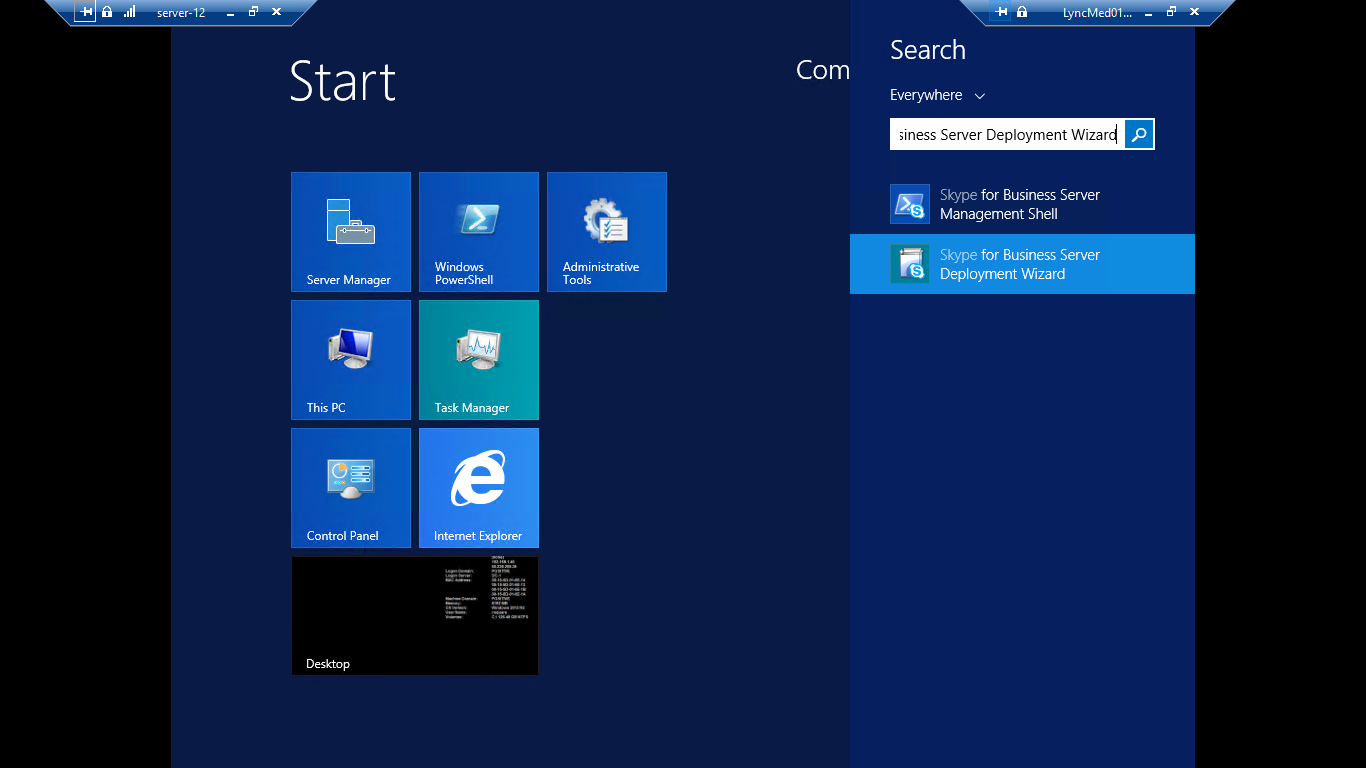
- Connect to the Server and open Skype for business server deployment wizard as administrator
-
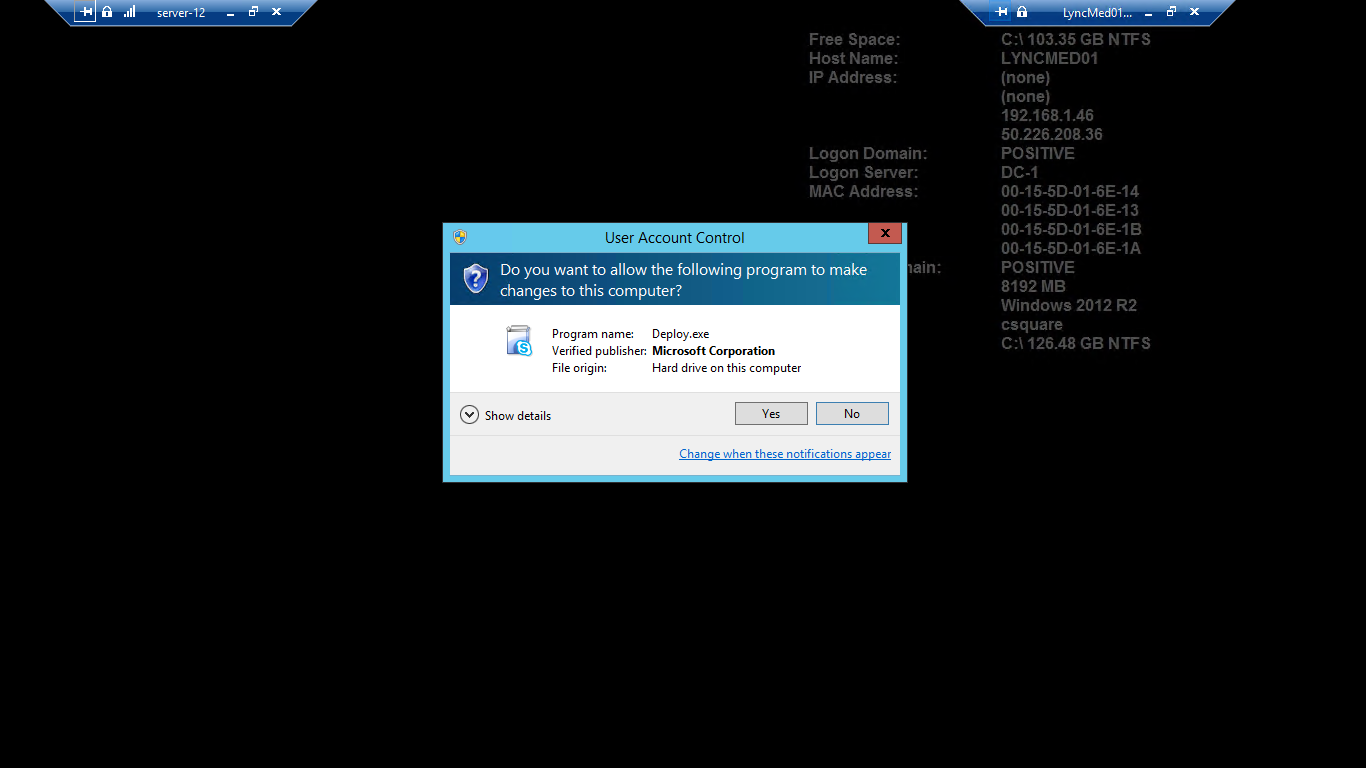
Click on Yes
-
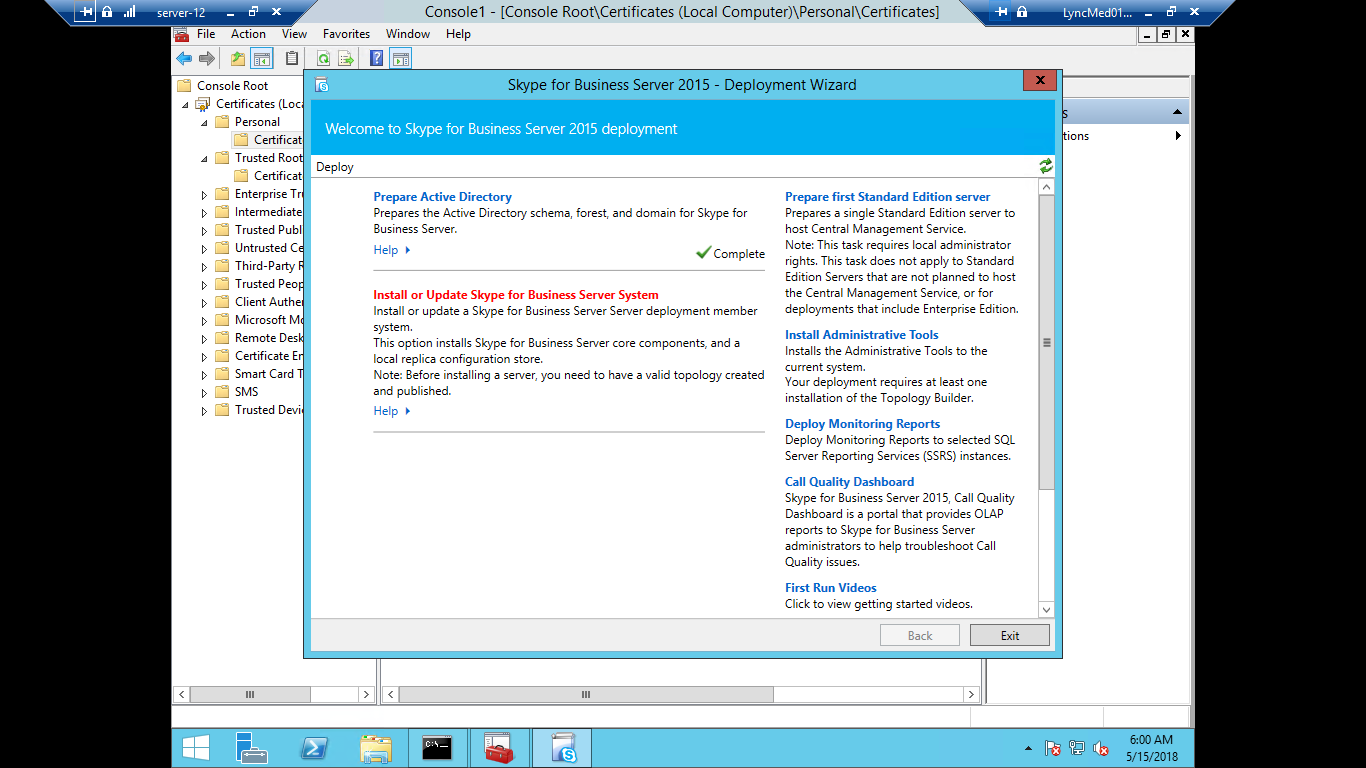
Now click on install or update Skype for business server system
-
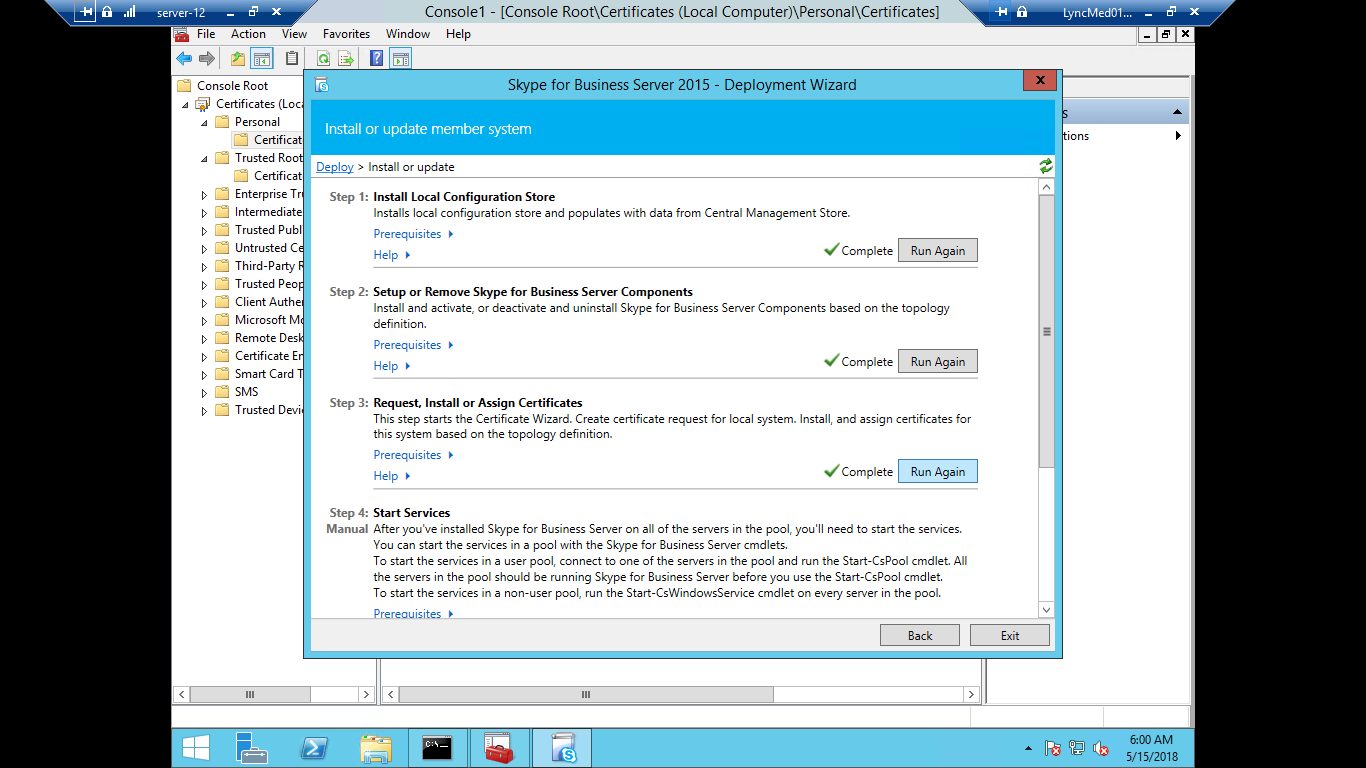
Now click on Step 3: Request , Install or Assign certificate
-
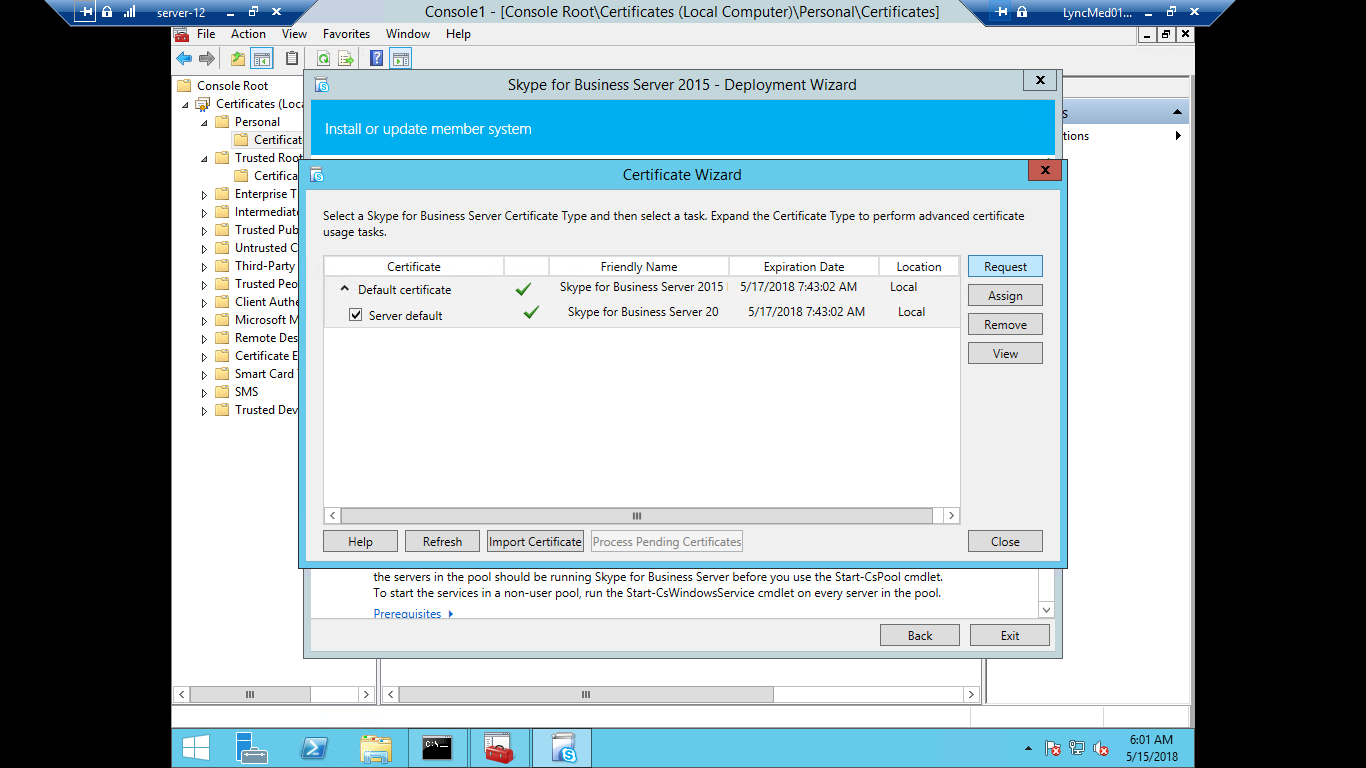
Click on Request
-
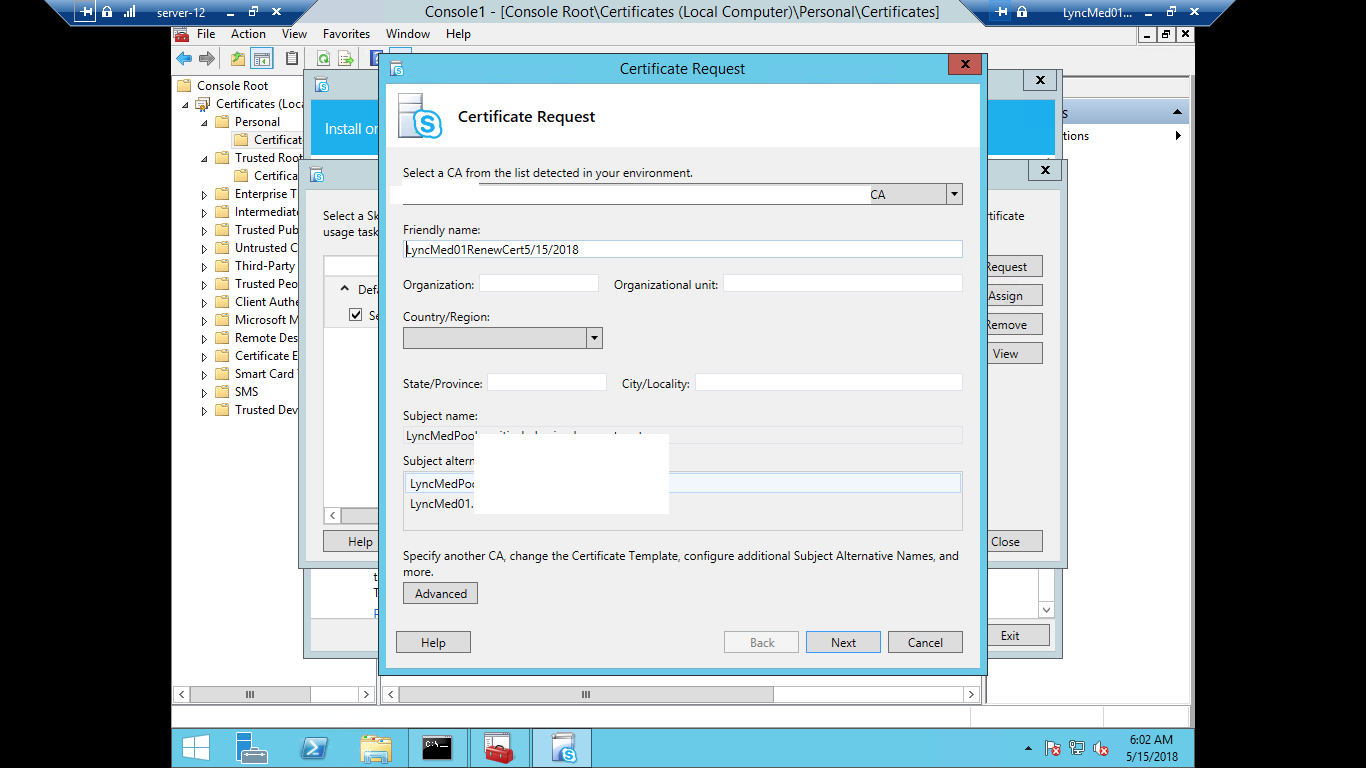
Put a friendly name and click on Next
-
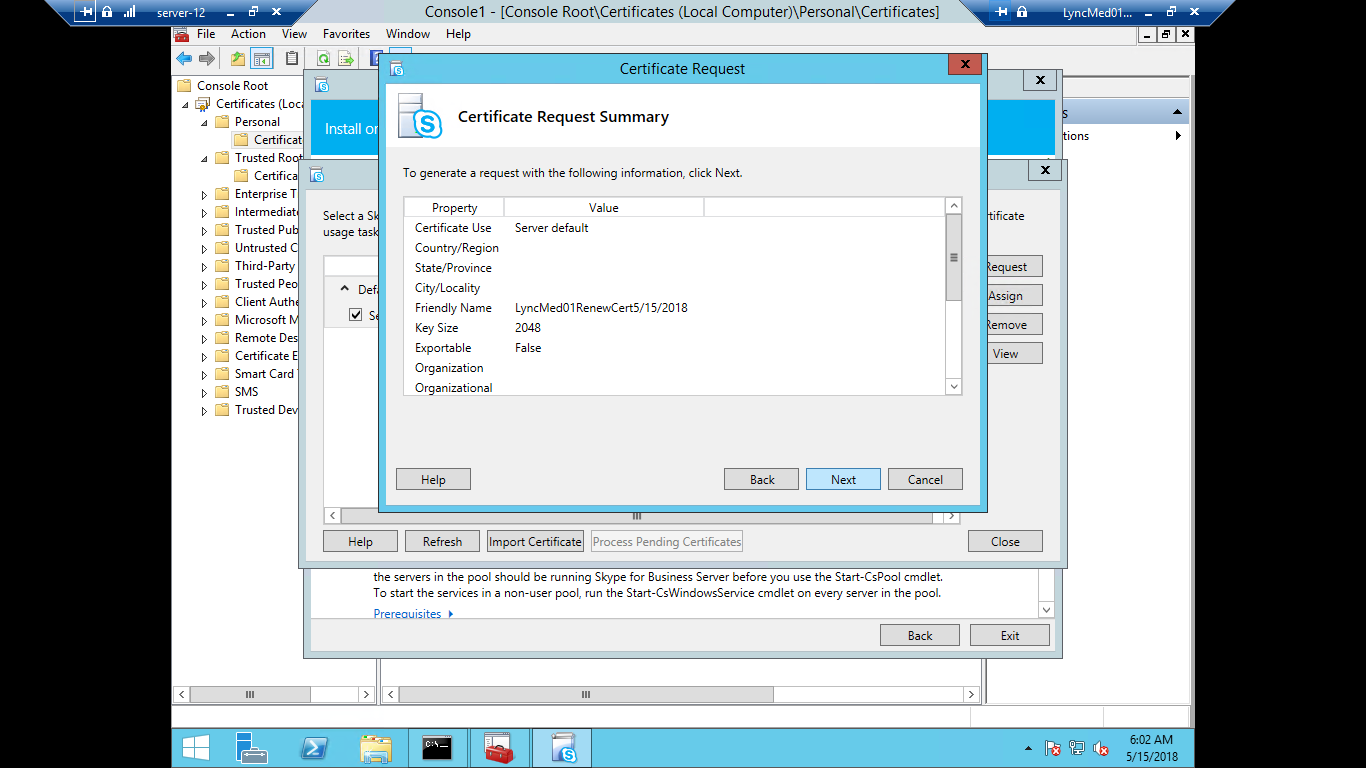
Now again click on Next
-
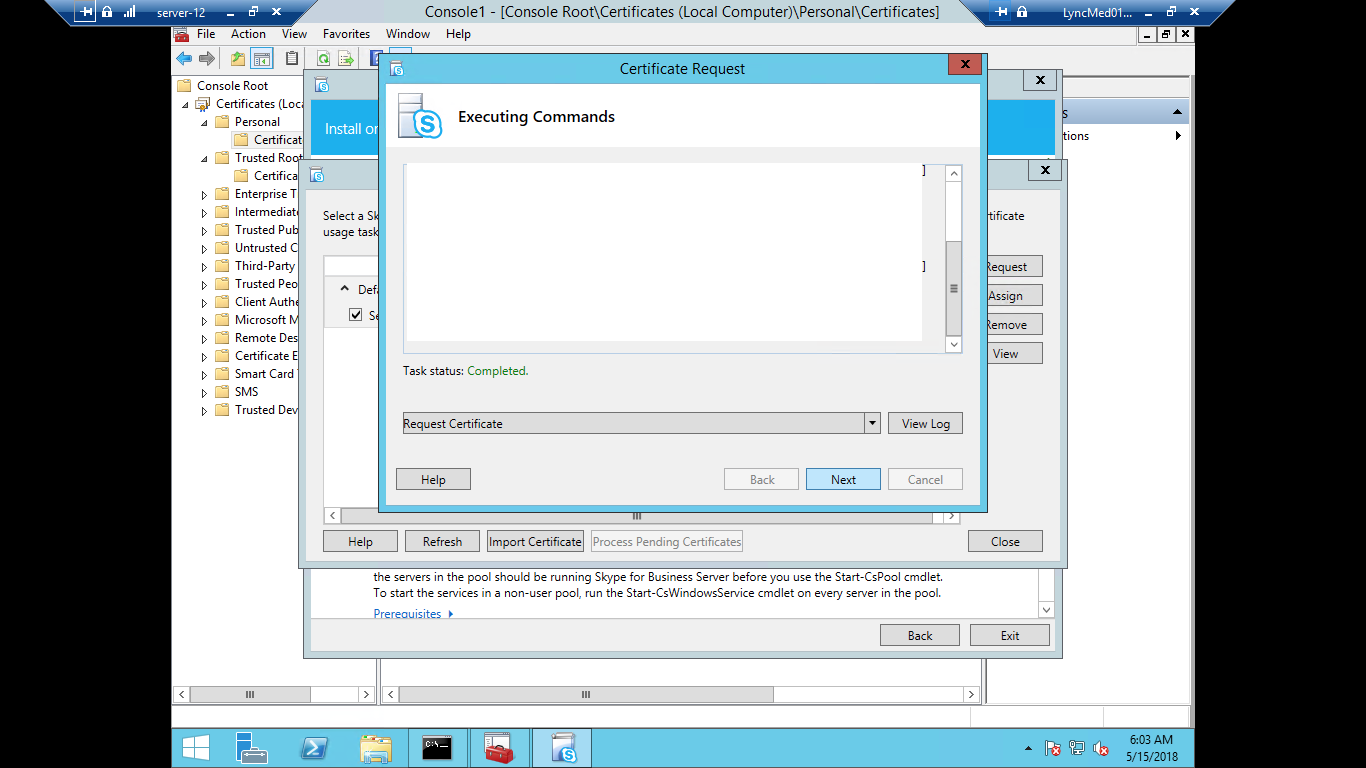
Now again click on Next
-
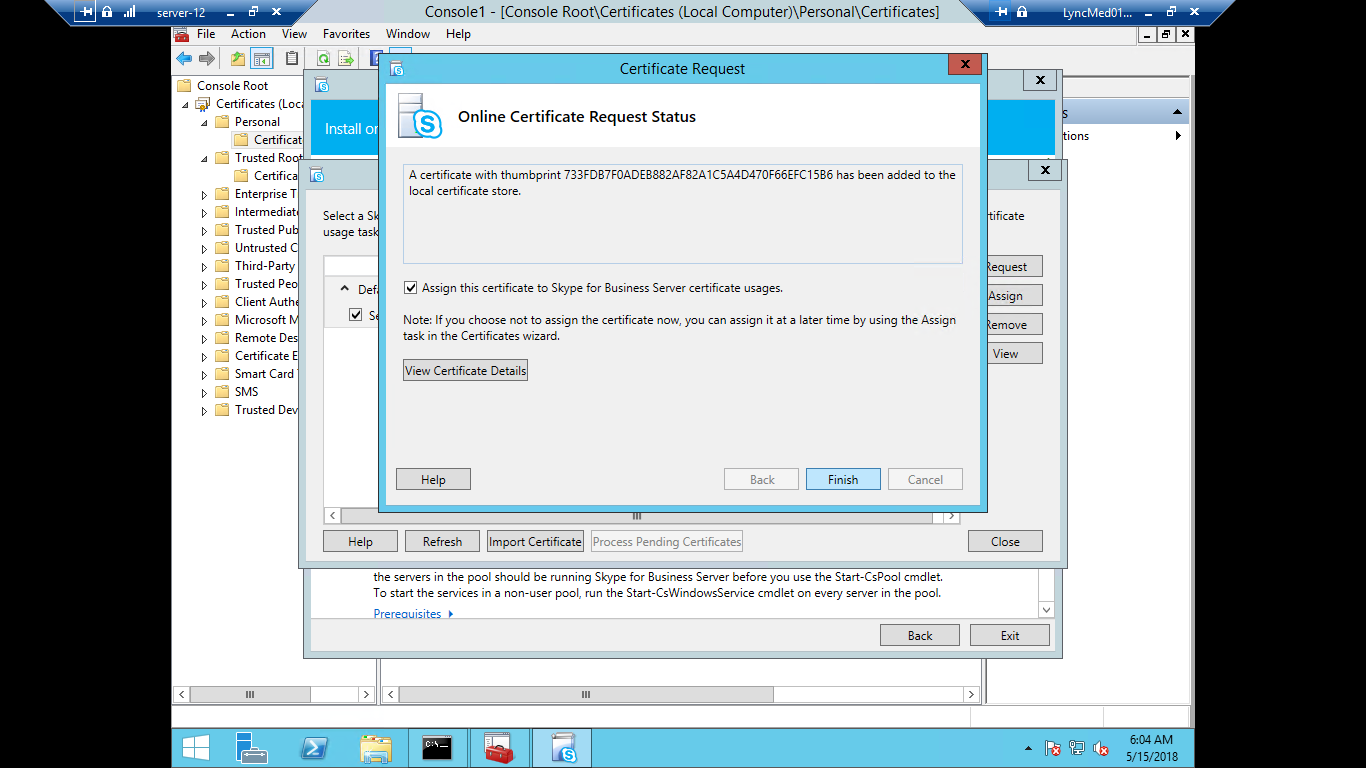
Now Click on Finish
-
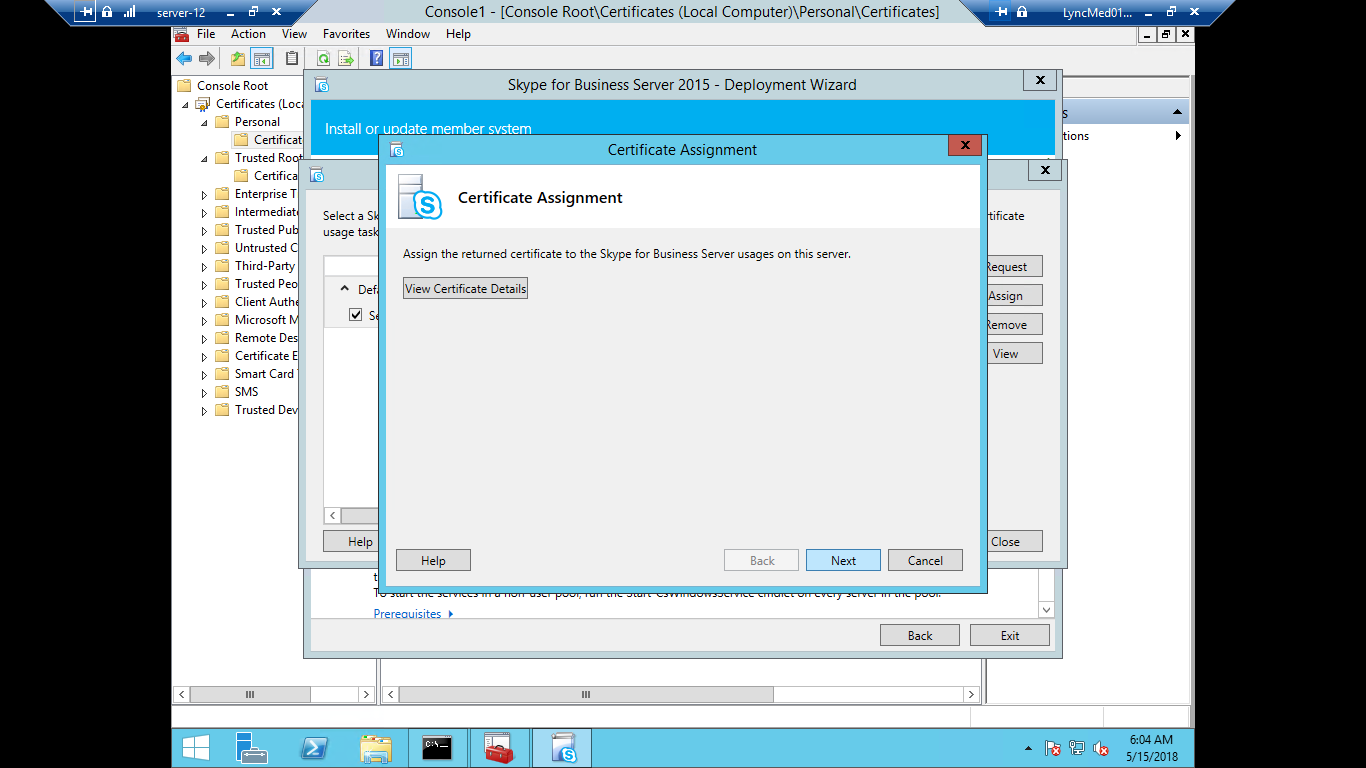
It will open a certificate assignment click on Next
-
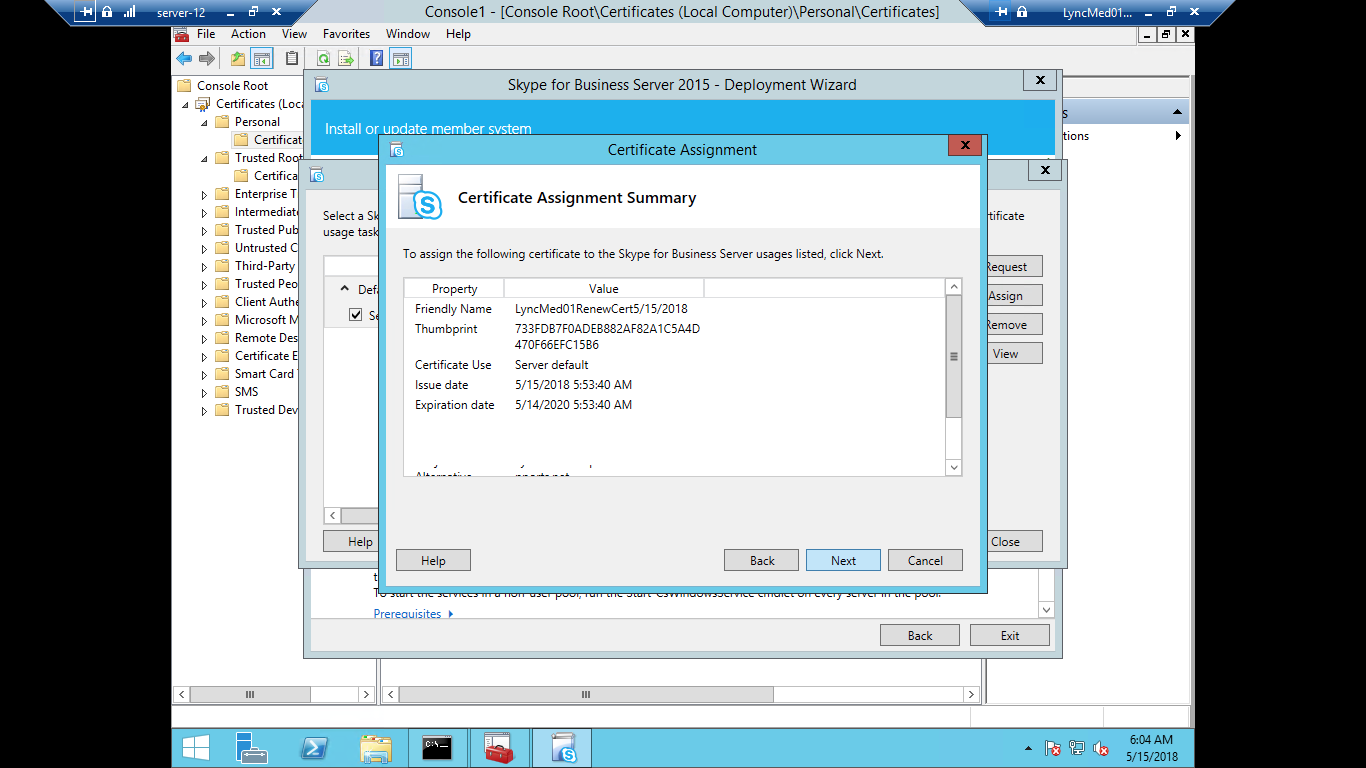
Click on Next
-
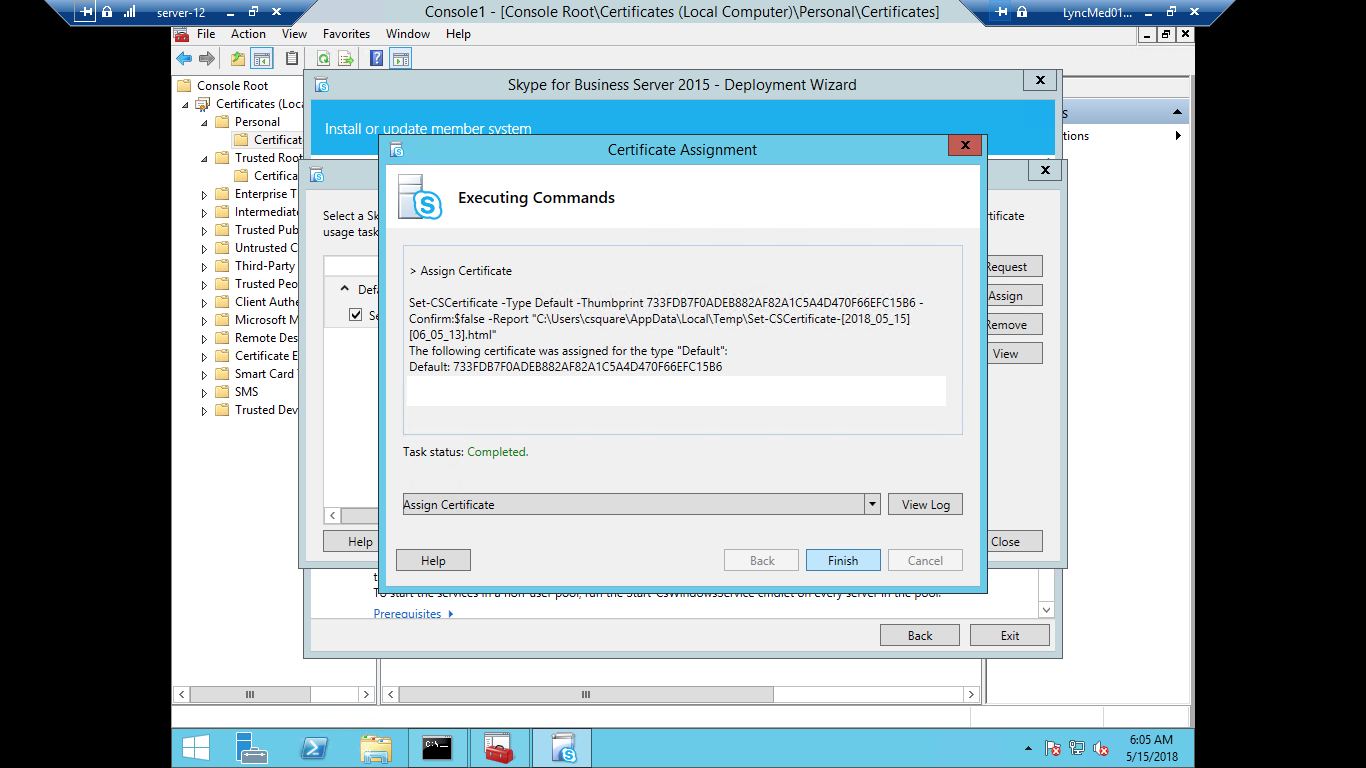
Click on Finish it will replace a new certificate with old one
Last updated on